Windows desktop labs
Windows 11 environments with preinstalled IDEs, browsers, developer runtimes and course assets.
Consistent desktop and terminal-based training environments for cohorts around the world.
Learners use compatible remote desktop or terminal tools while the lab provider manages repeatable systems.
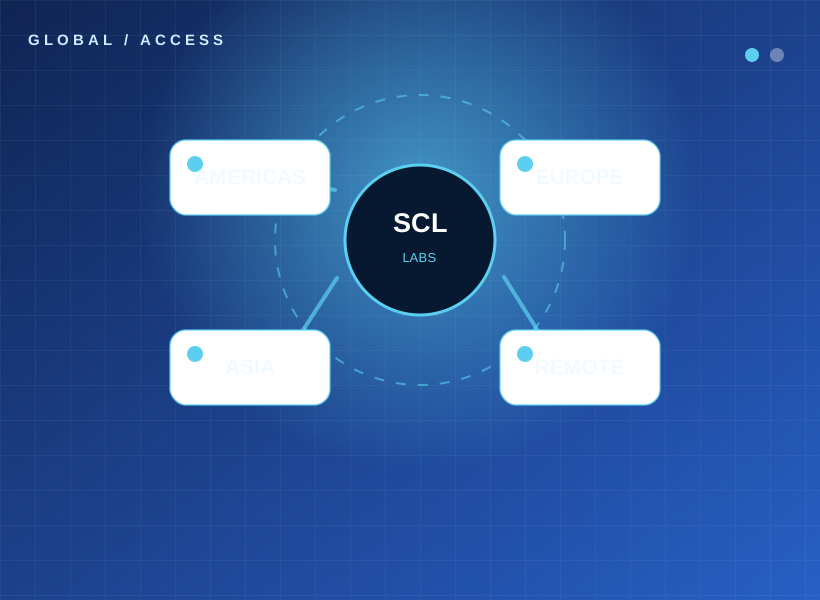
We can configure the following technology components based on the course outline, licensing, regional availability and desired cohort size.
Windows 11 environments with preinstalled IDEs, browsers, developer runtimes and course assets.
Distribution-specific command-line environments, servers, containers and development stacks.
Assigned machine identity, controlled access, separate credentials and clear onboarding guides.
Standardized OS and software baselines to reduce setup discrepancies.
Regional deployments based on availability, latency, restrictions, pricing and service quotas.
Health checks, training-window scheduling, remote assistance and planned resource cleanup.
Example engagement: 25–500 learner cohort, technical bootcamp or enterprise enablement. We align environments to the exercises, operating systems, learner access and schedule, then validate the setup before delivery.
Tell us the program scope, trainee count and required technology stack. We'll help plan a practical lab environment.